 Picmira
Features of AI Cartoon Generator
Explore a playful drawn interpretation of your photo. Choose a cartoon style and the tool matches outlines, colors and shading automatically. An optional theme refines the result. Other ideas accepts extra direction when that field is shown.
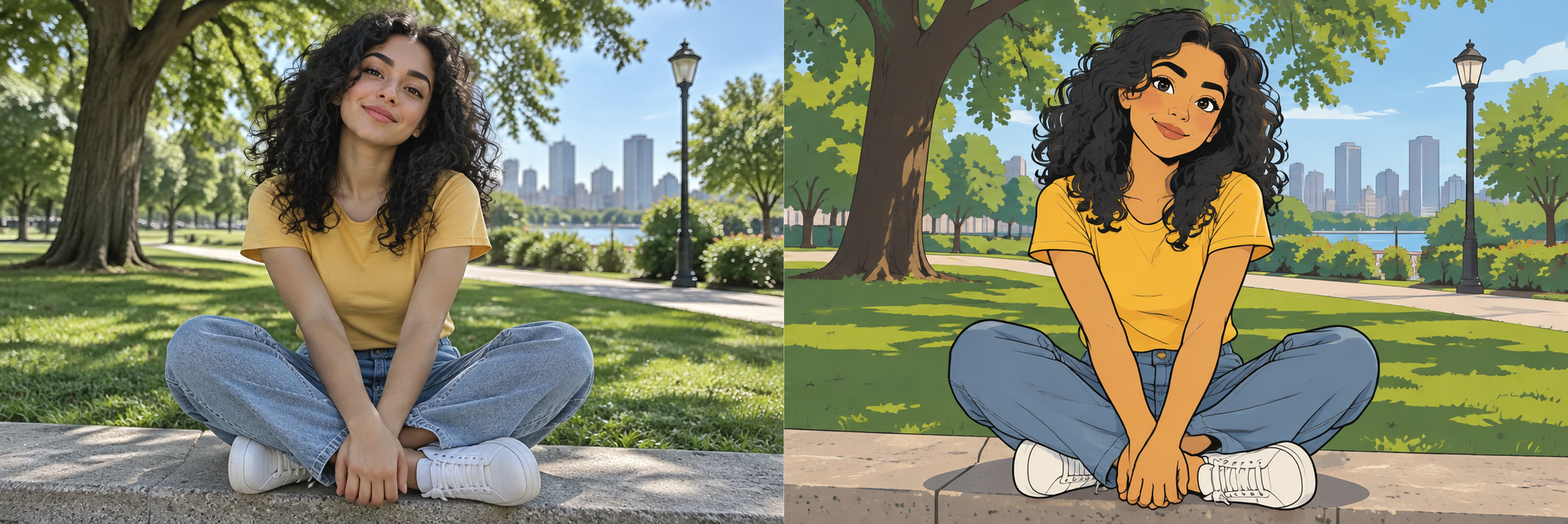
Choose an original cartoon direction
Choose Rounded 3D cartoon, Flat editorial cartoon, Comic book or Soft storybook illustration. Rounded 3D is selected by default. The style guides an original interpretation of the subject in your photo.
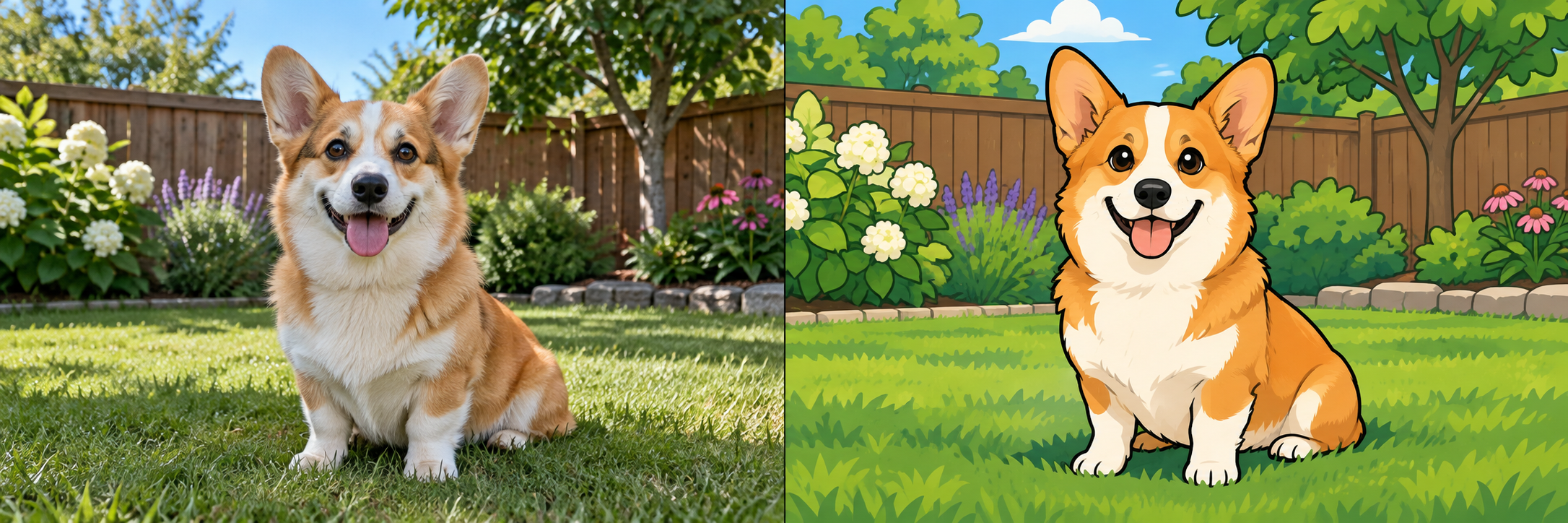
Matching outlines, colors and shading
Each preset supplies matching visual characteristics automatically, so you do not need to describe outlines or shading separately. When the field is available, use Other ideas for personal touches. Exact shapes, colors and facial details can vary between results.
 3:2
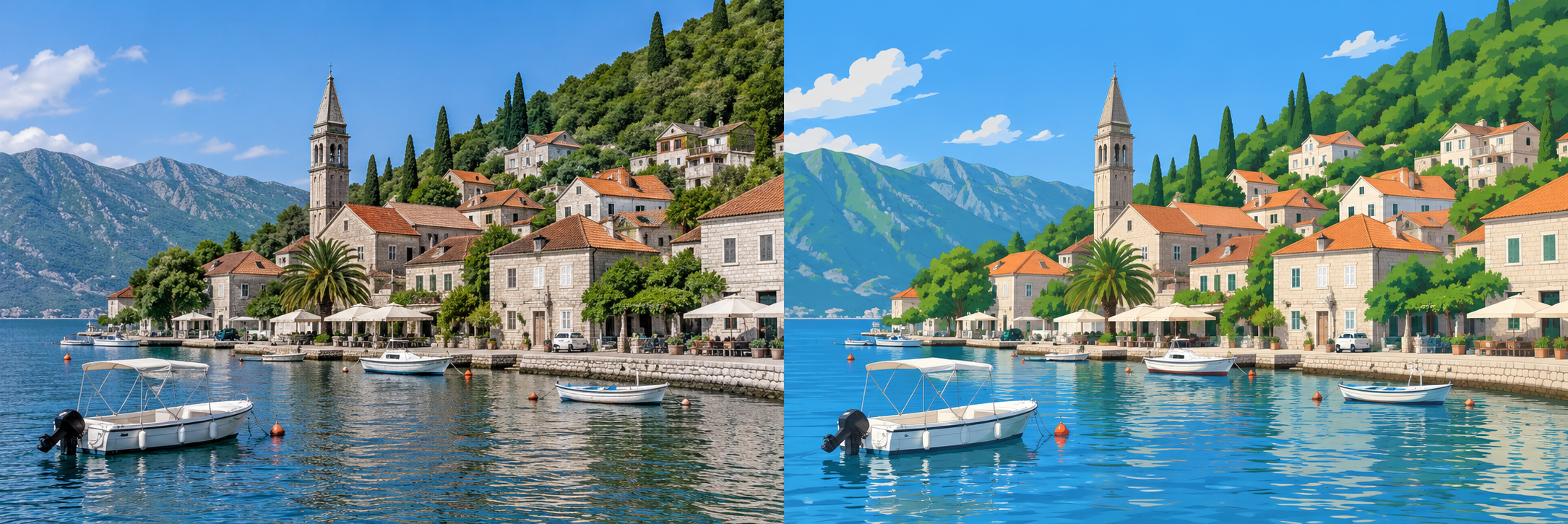
Explore portraits, pets and scenes
Use a clear reference with a recognizable subject. A cartoon may simplify eyes, fur, architecture or background objects. Compare important shapes with the original, especially when you want someone or something to remain recognizable.
Add a theme and keep drafts private
An optional subject or theme can suggest a cheerful mood or adventure setting; extra ideas refine details. Guest images, uploaded photos and written instructions stay private.
How to use AI Cartoon Generator
Start with your idea, choose your settings, then review the finished image.
Choose a photo reference
Choose a clear JPG, PNG or WebP up to 20 MB that you own or have permission to edit. Upload it, drop the file into the upload area, or paste a copied image with ⌘V / Ctrl+V. Keep the main subject visible and retain the original for comparison.
Choose your cartoon style
Keep Rounded 3D cartoon or choose another style. Outlines, colors and shading follow that selection. Subject or theme is optional, as is Other ideas when that field is shown. Select an image ratio and review gallery privacy.
Create and inspect the drawing
When this tool is available, use the displayed one-time guest trial or log in to use account credits. Follow task progress and download your result. Network limits apply. Sign in to continue after your trial.
Who can use AI Cartoon Generator?
Find a starting point that fits what you want to make.
Avatar explorers
Try a playful portrait direction for an avatar concept. Review recognizable features and do not assume that the illustration preserves identity precisely.
Story makers
Explore a character or scene direction from a photo you control. Select details that support the story while reviewing the resulting visual interpretation.
Family art creators
Make illustration studies from photographs used with permission. Consider the subjects’ privacy before allowing a completed image into a public gallery.
Creative educators
Discuss how photographic forms can be simplified into drawn shapes. Treat the output as an example to critique rather than a definitive transformation.
Frequently asked questions about AI Cartoon Generator
Is this a cartoon from text alone?
This tool requires a reference image. Use the AI Image Generator if you want to begin with a written description and no photo.
Do I need to fill in visual characteristics?
No. Select a cartoon style and its visual characteristics are supplied automatically. Rounded 3D is selected by default. Subject or theme is optional. When Other ideas is shown, it also accepts extra direction.
Will all facial details be retained?
Cartoon interpretation can simplify or change facial details. Check the finished result before using it as a recognizable representation of a person.
Is this tool available to generate images now?
Choose your settings, then select Generate image. Use the displayed guest allowance or sign in to generate with account credits.
How many credits does one task cost?
Guests receive 1 free image per guest identity, once. This trial does not reset daily. A shared network limit of one guest image per UTC day also applies. Sign in to continue with account credits after your trial. Signed-in tasks cost 25 credits; review your balance before submitting. Credits are reserved during processing and settled on success. The selected settings must fit within the guest trial balance. Each guest starts with 25 trial credits.
Are generated images private?
Guest images stay private to the guest session. Signed-in users start with private results. Reference uploads and prompts remain private. Signed-in users can change visibility for their own tasks in My creations.
What should I do if a task fails or its outcome is unclear?
A verified failure releases reserved credits. An unknown or unconfirmed outcome keeps the reservation while the status is checked. Refresh that task’s status instead of assuming failure or starting another purchase or generation to bypass it.
More ways to explore
2D to 3D Image
Explore a dimensional version of your illustration.
Photo to Anime
Explore an original illustrated version of your photo.
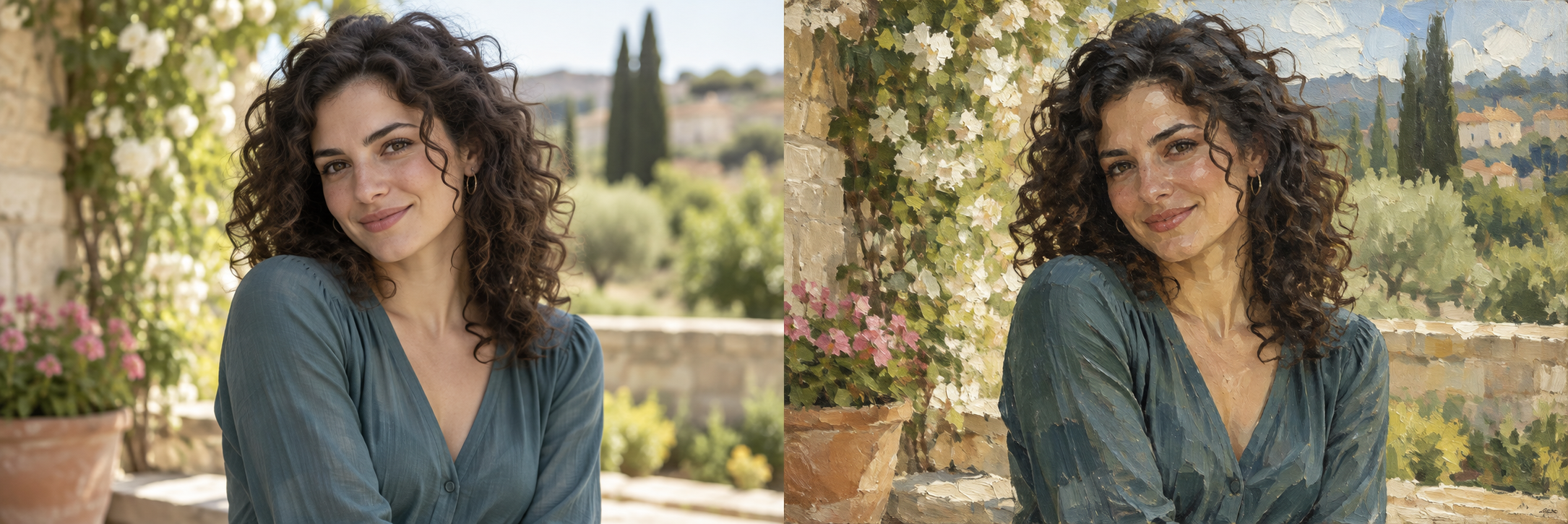
Photo to Painting
Turn your photo into a painting in the style you describe.