 Picmira
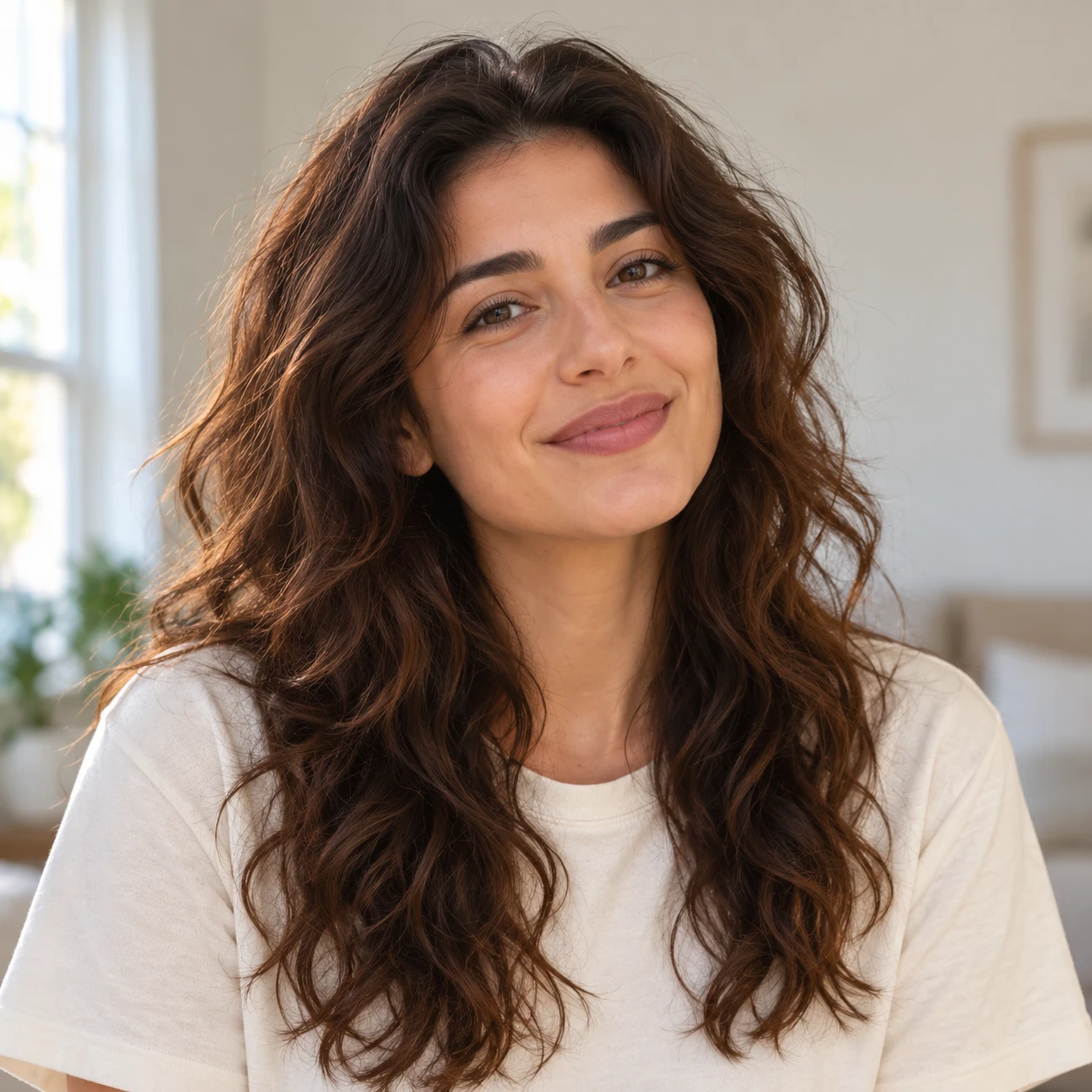
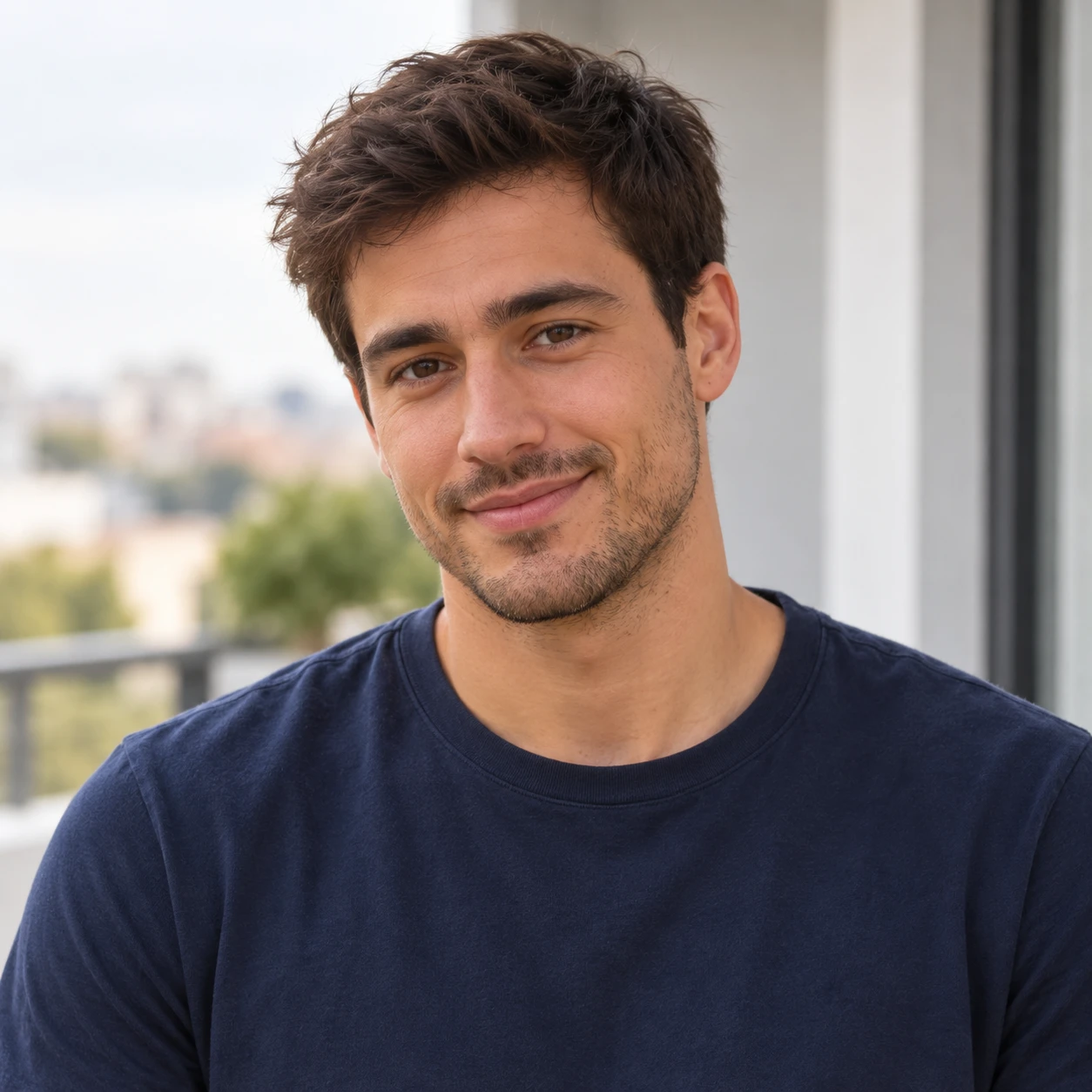
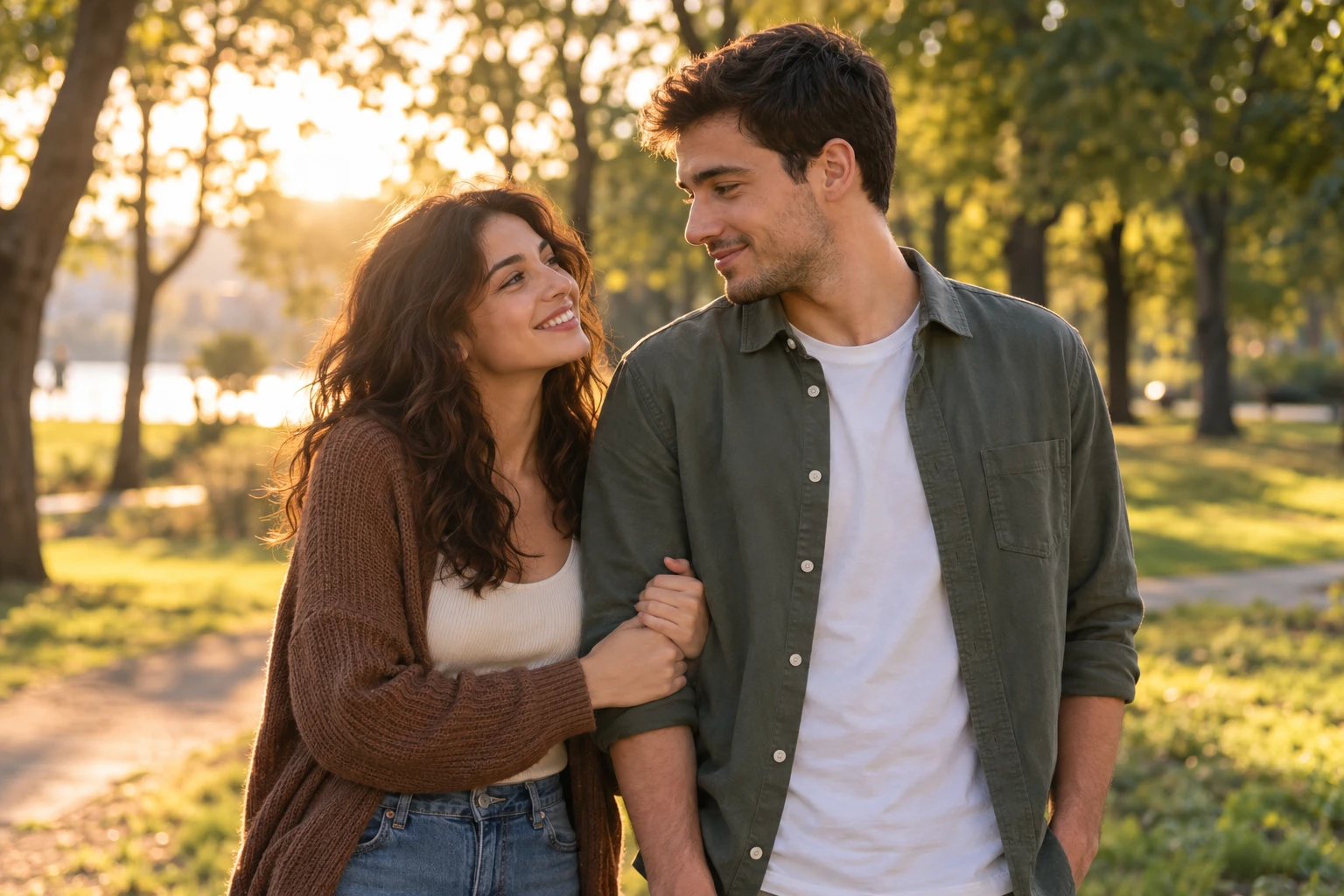
Features of AI Couple Photo Maker
Make a couple photo from two photos, even when you do not have a picture together. Upload one clear portrait of each person, click a scene and generate your photo. Each scene includes a setting, pose, clothing and lighting, so there is nothing to write. Choose an everyday selfie, a café date, a beach holiday or a special celebration. Your two photos guide the people in the image. Review both faces and the composition before you save or share.
Bring two separate portraits together
Add one individual photo to Person 1 and another to Person 2. The tool asks for Person 1 on the left and Person 2 on the right, with both people in a single coherent scene. You do not need to cut out faces or combine files yourself. Similar camera angles and clear facial details give the model a stronger starting point. This creates a new AI image, so positioning and likeness can vary.
Pick a moment from 12 scenes
The first six scenes cover Golden hour, Cozy café, Beach sunset, Wedding portrait, Couple selfie and Polaroid hug. Open More scenes for Anniversary dinner, Proposal, Rainy date, Snowy getaway, City night and Studio portrait. Click any card to select its setting and see a larger preview. The scene supplies the creative direction automatically; you can create your photo without typing. Previews are style illustrations, and your generated photo will vary.
Personalize only when you want to
The default landscape shape leaves room for both people. Use the output controls to choose the shape and resolution. If Advanced options is shown, Personal touches can add an optional detail such as matching jackets or a preferred pose. Both uploaded portraits remain the identity references. Check faces, hands, proportions and clothing before downloading the PNG.
Keep control of your saved result
Review the displayed credit cost before submitting. The result starts private. Download it from the result card, or find it later in My creations if you generated it while signed in.
How to use AI Couple Photo Maker
Start with your idea, choose your settings, then review the finished image.
Upload one photo of each person
Choose JPG, PNG or WebP files up to 20 MB each. Use individual, well-lit portraits with one visible face per photo, and only photos you have permission to use. Put the intended left-side person in Person 1 and the right-side person in Person 2. Avoid heavy filters, sunglasses, tiny faces and group photos.
Click a scene you like
Choose one of the picture cards, or open More scenes to browse the full set. The larger preview shows the selected style. No prompt or extra settings are required. Advanced options is available if you want to change the image shape, add a personal detail or manage gallery privacy. You can replace or remove either portrait before submitting.
Create, review and download
Generate the couple photo, then review both identities and the setting. If the task is still processing, refresh its status instead of creating a duplicate request. Download a completed PNG for a digital greeting, message or social post. Each new generation is a separate task and uses the displayed credits.
Need help picking your portraits? Read how to choose reference photos for AI before you upload.
Who can use AI Couple Photo Maker?
Find a starting point that fits what you want to make.
Couples in different places
Create an imagined moment together using two individual portraits. A café or park setting can be a starting point for a personal digital greeting when you do not have a recent shared photo.
Anniversary and date-night ideas
Explore a location, outfit or mood for an anniversary message. Add any final greeting in your preferred image editor if precise typography matters. Check both people are comfortable with the finished image before sharing.
Wedding portrait concepts
Preview a formal portrait direction, from simple studio outfits to an outdoor wedding scene. Use the result to discuss styling ideas; it does not replace photographs of an actual wedding or preserve clothing details exactly.
Friends and creative collaborators
The two portrait slots are not tied to a gender. Choose a selfie or studio scene for a friendly portrait of two consenting people. If Personal touches is available under Advanced options, you can add a brief note about the relationship or pose.
Frequently asked questions about AI Couple Photo Maker
Can I make a couple photo from two separate photos?
Yes. Add one individual portrait for Person 1 and a different portrait for Person 2. Both photos are required. The model receives both references and is asked to place the first person on the left and the second on the right in one new image.
Do I need to write a prompt?
No. Upload two photos, click a scene and generate. Every scene already includes the creative direction. Choose the image shape and resolution using the output controls. If Advanced options is shown, it contains an optional Personal touches field of up to 500 characters.
Which photos work best?
Use sharp, well-lit portraits with one person in each image. A front-facing or slight three-quarter view with an unobstructed face is a useful starting point. Similar camera angles and lighting can help. Upload JPG, PNG or WebP files up to 20 MB each.
Will both faces look exactly like the originals?
Exact likeness is not guaranteed. The model may change facial details, hair, skin texture, body proportions or clothing. Compare both people with your references before sharing. Choose clearer portraits or simpler directions if an important detail is lost.
Can I use one existing couple photo instead?
This tool expects two separate individual portraits. If your source is a photo together, prepare one separate crop of each person first, keeping enough face and hair detail. Avoid submitting the same file in both slots.
How much does an AI couple photo cost?
The tool shows the credit cost for the selected settings before submission. You can use the guest trial if your remaining allowance covers the cost. A confirmed failure releases the reserved credits.
Are my two portraits and couple photo private?
Results start private. If you generated the photo while signed in, you can manage its visibility in My creations. Your reference uploads and prompt remain private to the generation workflow, and are stored and processed by Picmira and its service providers. There is currently no fixed automatic deletion schedule. See the Privacy policy for details.
Can I generate a couple photo now?
Upload two portraits and pick a scene. If your guest trial has enough credits, you can generate and download the private result on this page.
What should I do if generation is still processing?
Use Refresh status on the same result card or open My creations. A lost connection does not necessarily mean the generation failed. Resume the same request when offered, rather than submitting a new one while its outcome is unknown.
More ways to explore
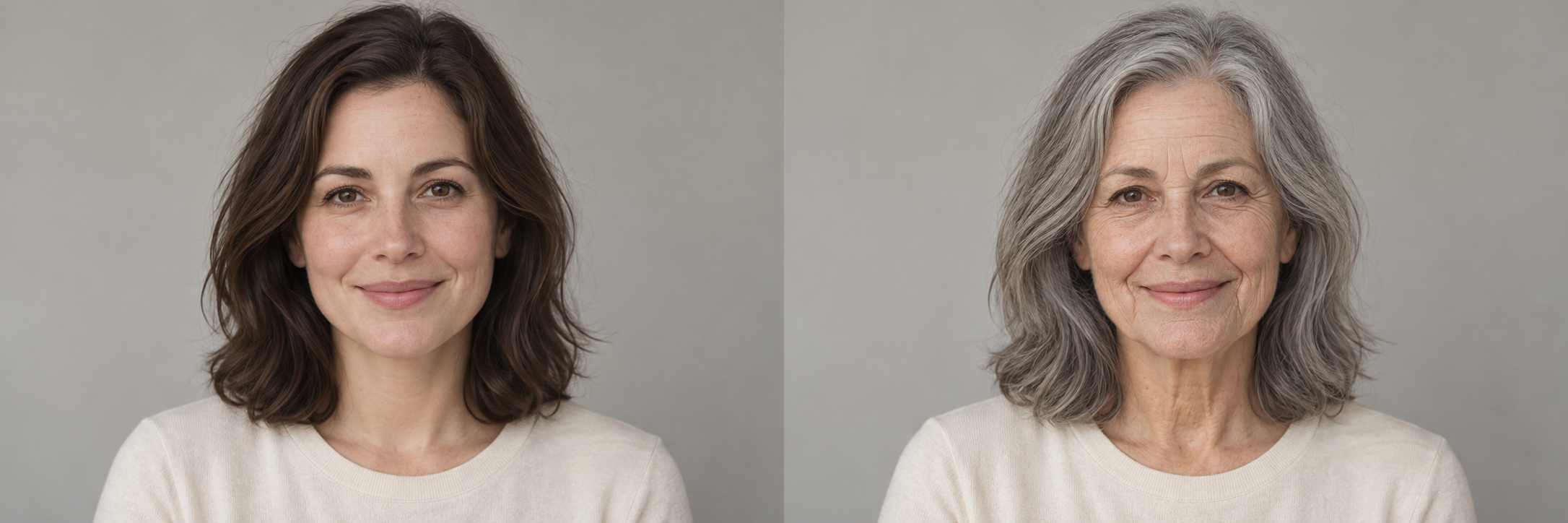
AI Age Filter
Explore a portrait at a different age.
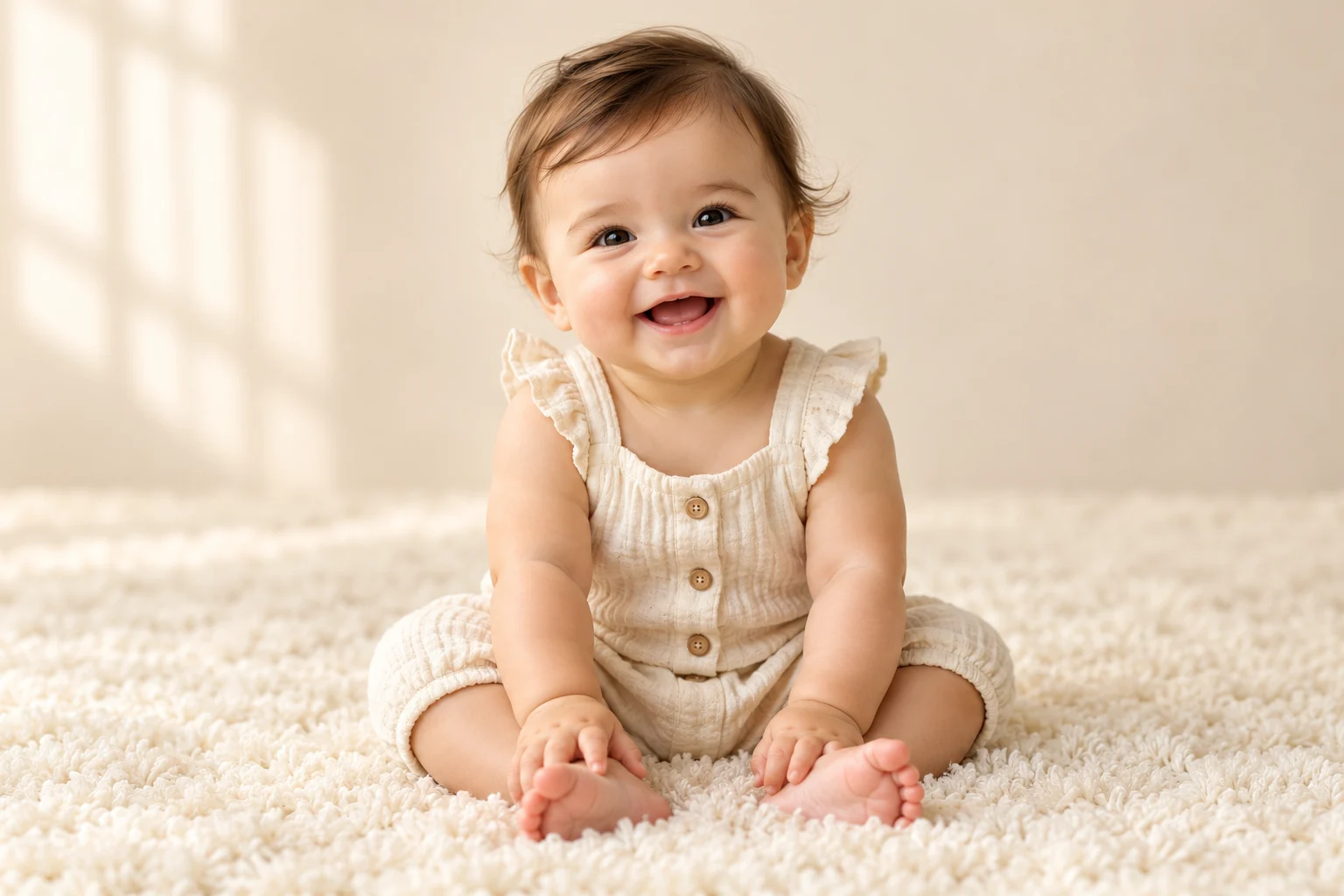
AI Baby Photoshoot
Turn one baby photo into a studio, birthday or seasonal portrait. Pick a theme and make a little memory.