 Picmira
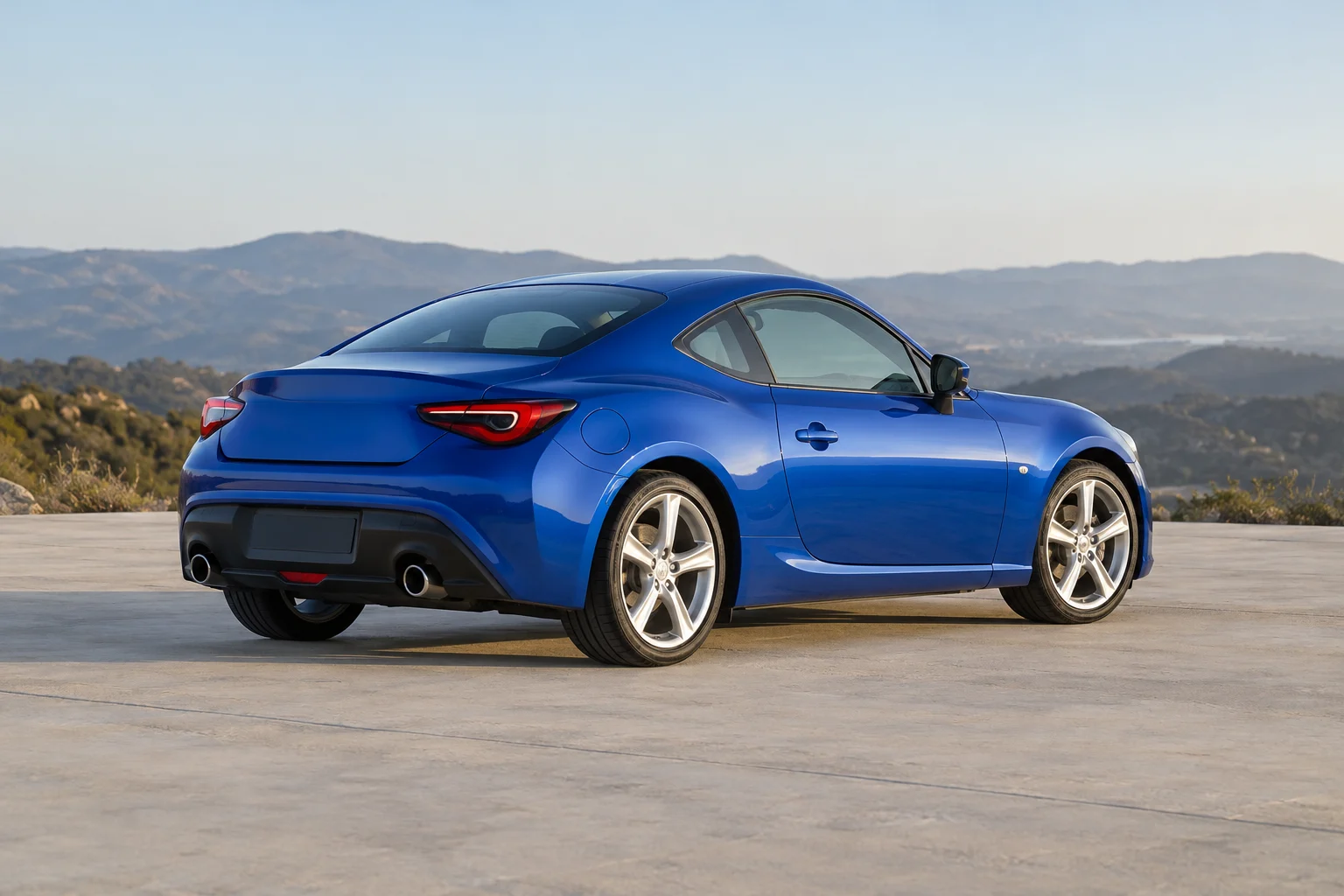
What is the toy car to real car trend?
The toy car to real car AI trend originated in October 2026 in Instagram and TikTok reels. Its train-window scene starts with a die-cast miniature on a moving train’s windowsill at sunset. The train enters a dark tunnel; on exit, the same car is full-size, driving on a night highway beside the tracks. The change in scale and light makes the reveal. Picmira prepares this sequence from one reference photo, with no prompt to write.
Sunset on the train windowsill
The opening frames place a die-cast miniature of your reference car on a moving train’s windowsill at sunset. Its paint, body shape and wheels guide the car’s appearance throughout the clip.
A tunnel hides the transformation
The moving train enters a tunnel and the scene goes dark. This hidden transition connects the die-cast miniature at sunset to the full-size car after dark.
Full-size on the highway beside the tracks
On exit from the tunnel, the same car is full-size and driving on a night highway beside the railway tracks. The car’s recognizable shape and paint connect the opening miniature to the final drive.
The older ground-drop variant
An older toy-to-real transition drops a toy car onto the ground, where it becomes a real car. It shares the scale-change idea, but Picmira’s current prepared template uses the sunset train, tunnel and night-highway reveal.
How to make a toy car to real car video
Add one whole-car photo, choose a model and video settings, and review the train-to-road reveal.
Add one whole-car photo
Upload, drop or paste one JPG, PNG or WebP image up to 20 MB. Use a photo you own or have permission to use, showing one car with its full body visible. Avoid collages, close-up detail shots, heavy blur and other cars covering the main subject.
Choose your model and output settings
Choose a model and the available duration, resolution and aspect ratio. Review the displayed credit cost for that combination before generating. The train-to-road sequence is prepared for you, so no written prompt is required. Keep Private gallery on for a private result.
Generate, download and post
Select Turn my car into this video to generate the prepared sunset-train, tunnel and night-highway sequence. Review the completed reveal, download the MP4 and post it. Add music or captions in your editor.
Tips for best results
Help the model carry your car’s appearance from the sunset miniature to the night-highway reveal.
Keep the whole car visible
Use one sharp, well-lit three-quarter photo with the wheels, roofline and body in frame. Avoid collages, heavy blur and other cars blocking the subject. You do not need a toy, train or highway in your photo.
Choose 9:16 for reels
Use 9:16 vertical for Instagram and TikTok reels. Choose your model and its supported duration, resolution and aspect ratio; check that the reveal has time to move from sunset through tunnel darkness to the night highway.
Review the same car across the reveal
Check the paint, body shape and wheels in the miniature and full-size scenes. AI can change small details. Download the finished clip before adding captions or music in your editor.
Check the saved task before retrying
If the connection drops, use Refresh status or Resume request on the same task. Starting a new generation creates a separate task with its own credit cost.
Toy car to real car FAQ
Where did the toy car to real car trend originate?
The AI trend originated in October 2026 in Instagram and TikTok reels. The train-window version shows a die-cast miniature on a moving train’s windowsill at sunset, a tunnel transition, then the same car driving full-size on a night highway beside the tracks. The older ground-drop variant shows a toy dropped onto the ground becoming a real car.
What is the Toy Car to Real Car AI video?
Upload one car photo to create an AI video: a die-cast miniature rides on a moving train’s windowsill at sunset, the train enters a dark tunnel, and on exit the same car appears full-size driving on a night highway beside the tracks. The scene is AI-generated, not real footage. No prompt needed.
What photo should I upload?
Use one clear photo of a single car, either a real car or a detailed model car, with the whole body, wheels and roof visible. A well-lit three-quarter view works well. Upload a JPG, PNG or WebP up to 20 MB. Avoid collages, close-ups, heavy blur and other cars blocking the subject. Only upload photos you own or have permission to use.
How much does it cost? Is there a free trial?
Sign in to generate with account credits. The default Seedance 2.0 Mini video (10 seconds, 720p, 9:16) costs 164 credits. Other models and settings may cost more or less; review the displayed credit cost before generating. One-time credit packs require no subscription, and their credits never expire. This video tool has no guest trial. Guest trials on eligible image tools follow their own rules.
What duration and format should I use for a 9:16 vertical video?
Use 9:16 vertical for Instagram and TikTok reels; the default is 10 seconds at 720p. Options include Seedance 2.0 Mini, Wan 3.0, MiniMax H3 and Kling 4.0. Choose a model in the form to see its supported duration, resolution and aspect ratio options, including 9:16, 16:9 or 1:1 where available. Available settings and the displayed credit cost depend on the selected model.
How long does it take to generate?
Generation time varies by model, video length and queue. Once your request has been submitted, you can leave the page and find the video later in My creations. Use Refresh status on the same task. After a connection interruption, Resume request checks the saved request without starting another video.
What if the car looks different or the video fails?
AI can change small details like badges or wheels; a sharp three-quarter photo helps. You're only charged when the video completes — failed runs return your credits. If the result is pending or unknown, use Refresh status on the same task; its credit reservation stays in place until the outcome is confirmed.
Does the video have sound, and how do I download it?
The prepared scene requests train ambience and engine sound, without a song. Audio support depends on the selected model. Download the finished MP4 from the result card or My creations. Picmira does not add a watermark.
Is my video private, and can I use it commercially?
Signed-in videos are private by default. Turning off Private gallery allows the finished clip to appear publicly; your uploaded photo and instructions are not shown in the public gallery. Picmira and third-party AI and storage services process your content. For commercial use, you are responsible for permissions and third-party rights; Picmira does not guarantee copyright protection or rights clearance. See the Terms of use and Privacy policy.
More ways to explore
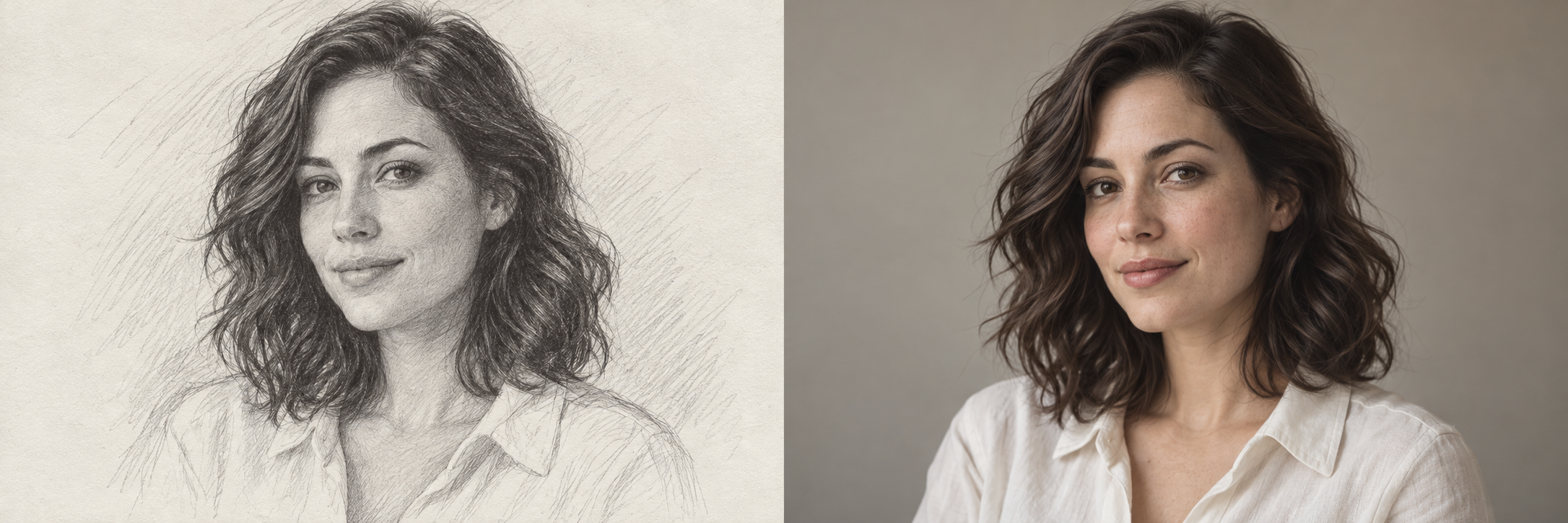
Photo to Sketch
Turn a photo into a pencil-style drawing.
AI Santa Hug Video Generator
Turn one portrait into an AI Christmas greeting by a glowing Christmas tree.
Bulin 47 AI Video Generator
Put yourself in a crowded, red-lit dembow scene. Upload one portrait for a new performance with movement and generated sound.