 Picmira
AI Action Figure Generator
Turn a photo into a packaged action-figure image. Choose a character style and accessories, optionally add a title, and explore a collectible version of your portrait.
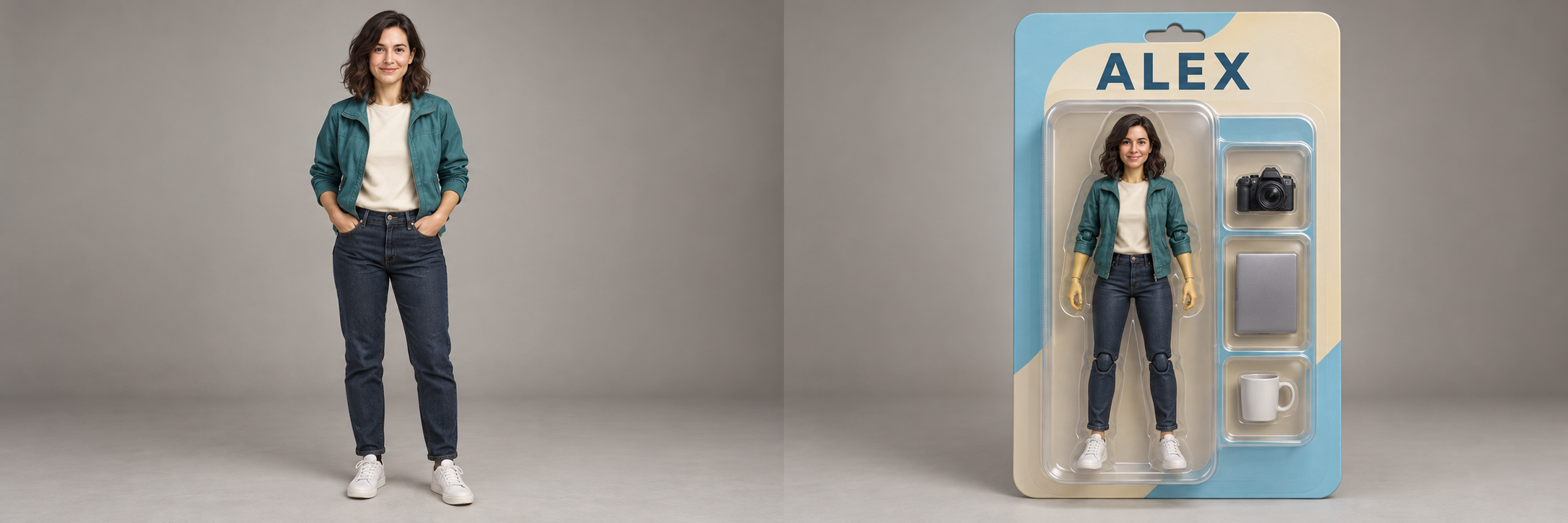
Features of AI Action Figure Generator
Create a collectible figure concept from a photo. Keep the default modern collectible with the original outfit and no accessories, or choose a theme and prop set. A packaging title is optional. Review the result against your reference.
Turn a portrait into a packaged figure
Upload one clear photo and choose a character style, from a modern collectible to a retro toy or explorer. The default keeps the original outfit. Review the face and clothing because likeness and fine details may change.
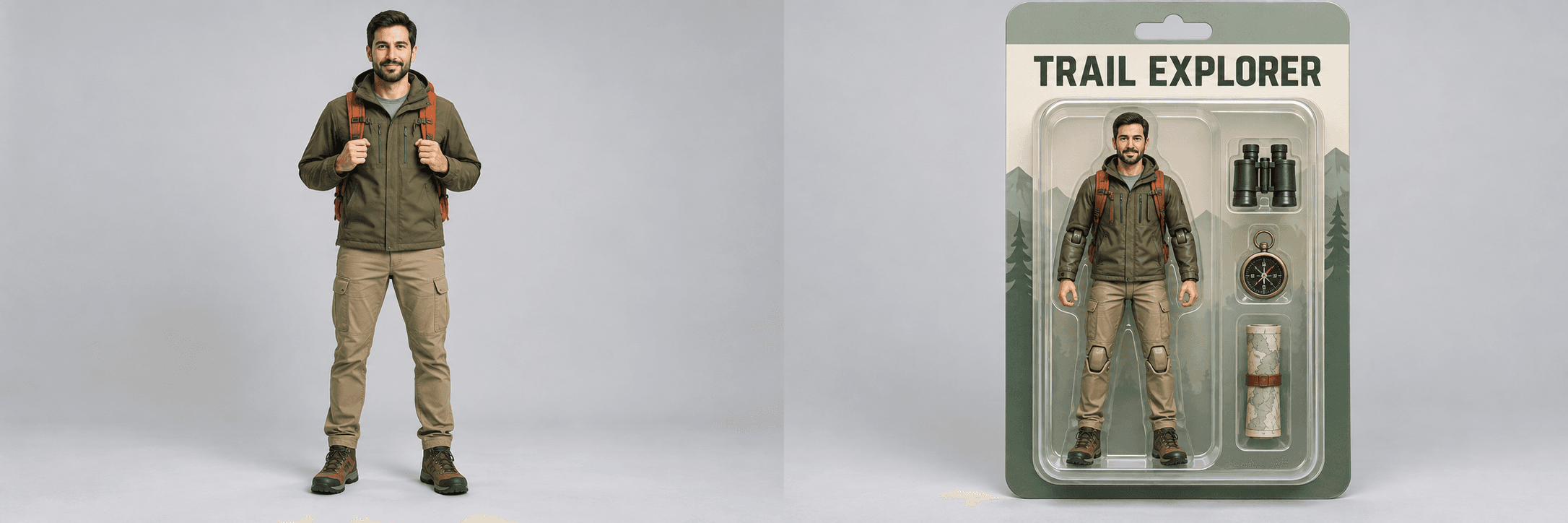
Give your character the right accessories
Choose No accessories or a ready-made creator, explorer, music or sports prop set. Custom lets you specify other props. Add optional placement or packaging notes in Other ideas, then review object count and details.
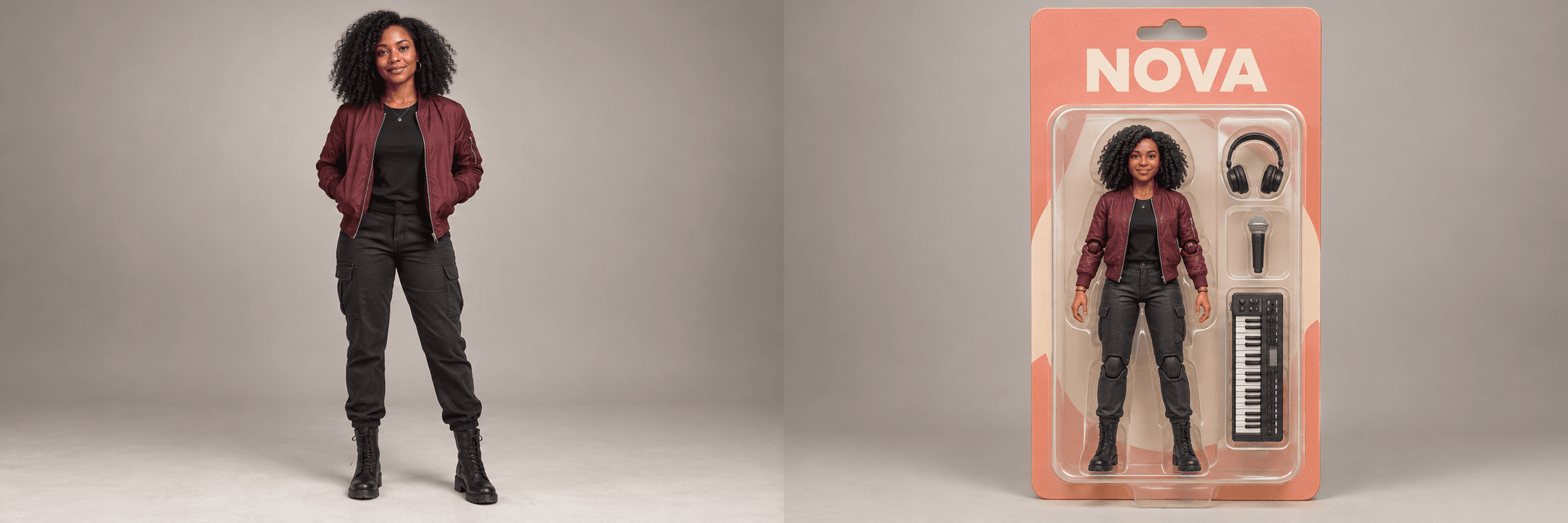 3:2
3:2Add a name and packaging direction
Title is optional. Leave it empty to request packaging without a title, or enter a name or edition up to 200 characters. Choose a character style and use Other ideas for box colors and layout. Review any generated lettering.
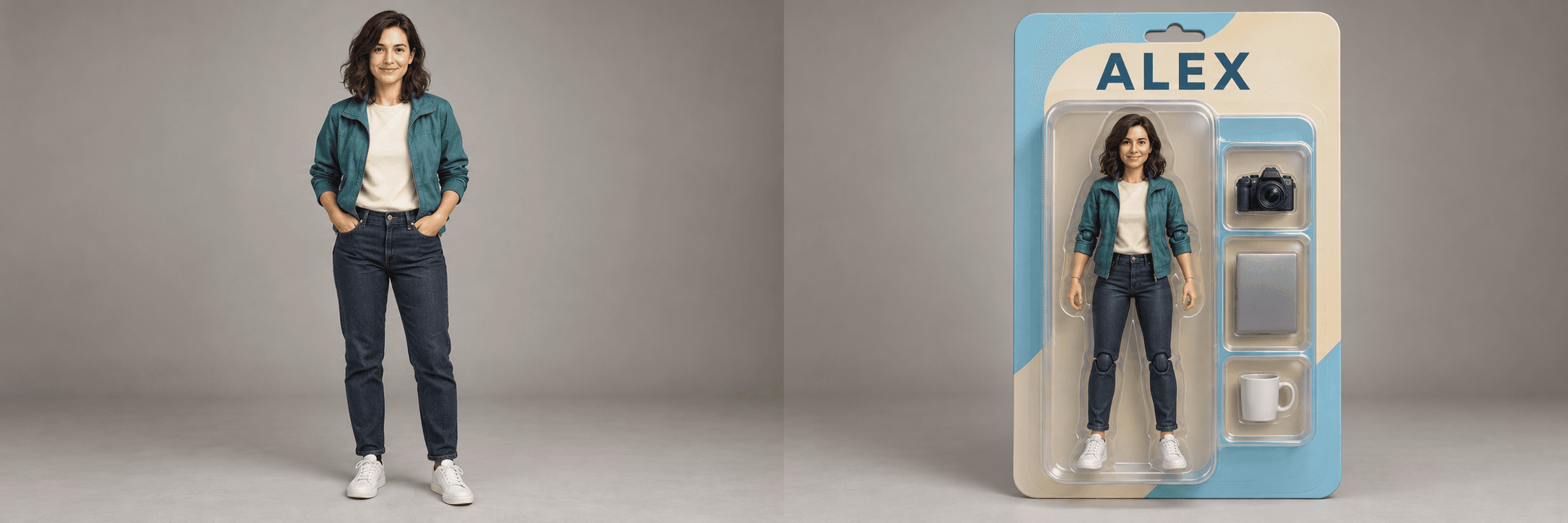
Choose the format and keep drafts private
Select 2:3 for a vertical package, 1:1 for a square post or 3:2 for a wide comparison. Log in and leave Private gallery on for a private result; guest results are public. Your uploaded photo and instructions stay private in either mode, and signed-in users can change result visibility in My creations.
How to use AI Action Figure Generator
Start with your idea, choose your settings, then review the finished image.
Upload or paste your reference photo
Choose a JPG, PNG or WebP up to 20 MB that you have permission to edit. Select Upload image, drop the file into the upload area or paste a copied image with ⌘V / Ctrl+V. Use a clear portrait or full-body photo of one subject so the face and outfit are easy to see.
Choose a character and accessories
Keep the default character style and No accessories, or choose another combination. Title and Other ideas are optional. Custom supports specific character or prop descriptions. Choose an image shape and review privacy.
Create, inspect and download the image
Use the displayed daily guest allowance for a public image or log in to use account credits. Inspect the likeness, props and box lettering, then download the completed image. Signed-in tasks appear in My creations; guest tasks remain associated with this browser session.
Who can use AI Action Figure Generator?
Find a starting point that fits what you want to make.
Content creators
Explore a collectible-style portrait for a personal channel or creative project. Choose props that tell your story, review the face and title, and describe the finished visual as an AI-made figure concept when that distinction matters.
Personal gift project makers
Create an illustrated gift idea from a photo of yourself or someone who has agreed to the edit. Customize the outfit, favorite accessories and packaging title. The result is a digital image to review or print in your own workflow.
Collectors and character hobbyists
Try a toy-style interpretation of an original character or personal portrait. Compare themes, costumes and accessory combinations while keeping your source available. A generated image does not add a physical item to a collection.
Artists and small creative teams
Discuss a visual direction for a character or promotional concept. Use the image as a mockup, then review lettering and likeness and develop any physical design in your usual workflow. It does not provide manufacturing dimensions or editable 3D geometry.
Frequently asked questions about AI Action Figure Generator
What do I need to create an action-figure image?
Upload one clear reference photo and keep the default character and accessory selections, or choose alternatives. Title and Other ideas are optional. JPG, PNG and WebP files up to 20 MB are supported.
Can I customize the figure and packaging?
Yes. Select a character style and prop set, or choose Custom for your own directions. Optionally enter a packaging title and use Other ideas for colors, lighting or layout. Inspect generated lettering and details before sharing.
Will I receive a physical toy or a 3D-printable model?
No. The output is a raster image showing an action-figure concept and packaging. It is not a physical toy, an editable 3D mesh or a print-ready manufacturing file. Exact likeness, lettering, accessory placement and dimensions are not guaranteed.
Is this tool available to generate images now?
Choose your settings, then select Generate image. Use the displayed guest allowance for a public result, or sign in to generate with account credits.
How many credits does one task cost?
Guests receive 1 free public generation per day, resetting at 00:00 UTC. Signed-in tasks cost 5 credits; review your balance before submitting. Credits are reserved during processing and settled on success.
What does Private gallery control?
Guests generate public results. Log in to enable Private gallery, which defaults to on for signed-in users. Turning it off allows the completed image to appear publicly. Reference uploads and prompts remain private. Signed-in users can change visibility for their own tasks in My creations.
What should I do if a task fails or its outcome is unclear?
A verified failure releases reserved credits. An unknown or unconfirmed outcome keeps the reservation while the status is checked. Refresh that task’s status instead of assuming failure or starting another purchase or generation to bypass it.