 Picmira
Hotel Lobby AI Video Generator
Give your duo the mic. Upload two portraits or one photo together to create an original orange-studio rap performance with sound.
Your duo. One stage.
Play this example with sound, then upload your photos to create your own performance.
Features of Hotel Lobby AI Video
Put two familiar faces on one orange stage. Hotel Lobby uses your reference photos to create a short fictional rap duet, with an original verse, beat and synchronized performance. Choose the people, keep the suggested output settings or adjust the duration, quality and shape; the tool supplies the scene.
Two photos, one performance
Upload a clear portrait for each performer. The first reference guides the left performer and the second guides the right. You can also use one photo that already contains both people.
An orange stage, ready for your duo
The preset places your performers in an orange studio around a hanging microphone. Lighting, camera direction and movement are handled automatically so you can start with just your photos.
An original verse with sound
Leave the topic empty for a friendly English duet, or add a birthday, shared memory or inside joke. Voice, lyrics and music are generated with the video; there is no voice-cloning upload or song selection.
Play and download the same result
Review the finished performance in your browser and download that MP4. Each new generation is a separate performance. Faces, timing, lyrics and lip synchronization can vary, so watch the result before sharing.
How to use Hotel Lobby AI Video
Upload your photos, add a topic if you like, and play your finished video.
Add your duo
Choose Two photos for separate portraits, or One photo together for a duo photo. Upload, drop or paste JPG, PNG or WebP images up to 20 MB each.
Make it personal, if you like
Optionally add a rap topic. Keep the suggested duration, quality and aspect ratio or choose your own. Review the credit cost and privacy setting, then select Generate video. No prompt-writing experience or timeline editing is required.
Watch your performance
The result card updates while the task runs. Play the completed video with sound, download the MP4, or find your signed-in task later in My creations.
Who can use Hotel Lobby AI Video?
Find a starting point that fits what you want to make.
Friends with a shared joke
Turn a pair of portraits into a playful duet about a trip, an achievement or a moment you both remember.
Birthday surprise makers
Use a birthday topic to create a short, personal greeting with two willing participants.
Couples and creative duos
Bring a photo together onto the same stage for a fictional musical scene you can enjoy and share.
Social creators exploring a format
Try a short portrait performance for a creative post. Review the audio and visual details, and make clear that the performance is AI-generated.
Frequently asked questions about Hotel Lobby AI Video
Does Hotel Lobby use the original song or performers?
No. The name describes this scene tool. It creates an original English rap performance from your photos and optional topic, without supplying a commercial song recording or an artist voice preset.
Which photos work best?
Use clear, well-lit photos with visible faces and permission from the people shown. With two photos, upload one person in each slot. With a shared photo, use a composition that clearly separates both people. Exact likeness and lip synchronization are not guaranteed.
Can I change the video length, quality and shape?
Yes. Choose 5, 10 or 15 seconds, an available quality level, and 9:16, 16:9 or 1:1. The form starts with suggested settings, so you can also leave them unchanged. The finished MP4 includes generated sound.
Can I use Hotel Lobby AI Video now?
Upload two individual portraits or one photo with both people, then choose your output settings and generate. Sign in when prompted; your photos, topic and selections stay on the page.
How much does a video cost?
Free guest generation is currently disabled. Log in to generate with account credits. Credits vary by duration and quality. The form shows the credit cost for your selection before submission. Credits are reserved while processing and charged on success. Confirmed failures release them.
Are my photos and videos private?
Your reference photos and topic stay private. Signed-in videos default to private; turn Private gallery off to allow public display. Guest videos are public. Manage signed-in results in My creations.
What if my video is still processing?
Keep the same task and use Refresh status. After a connection interruption, Resume request checks the same submission. Pending or unknown outcomes keep their credit reservation until confirmed. Signed-in tasks also appear in My creations.
More ways to explore
Bulin 47 AI Video Generator
Put yourself in a crowded, red-lit dembow scene. Upload one portrait for a new performance with movement and generated sound.
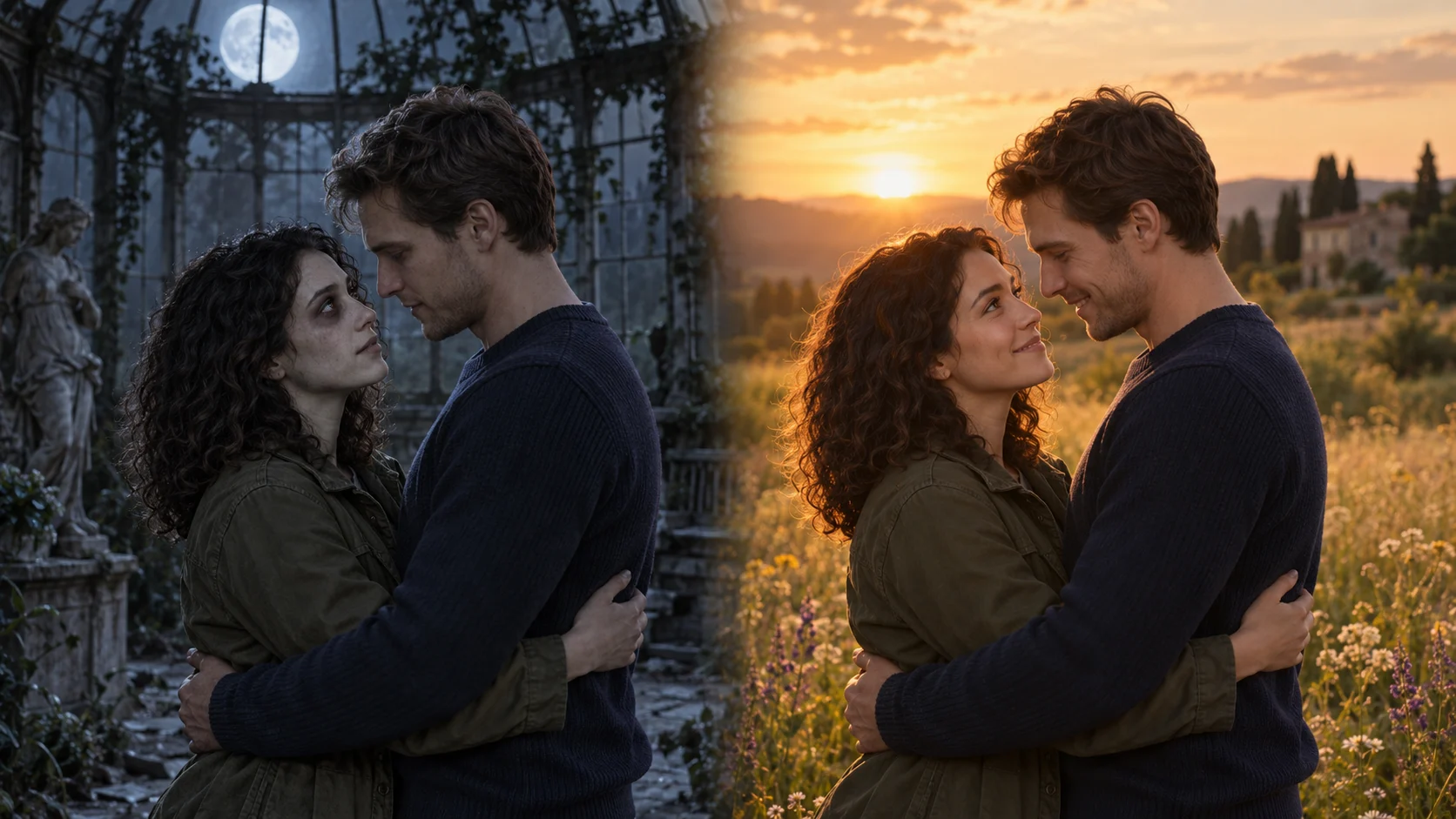
Zombie Couple Video
Turn two portraits or one couple photo into a tender zombie reunion, with an embrace and a warm memory.