 Picmira
Prompt writing
How to Write AI Image Prompts
A useful prompt is a short visual brief. It tells the model what matters in the picture and gives you something concrete to evaluate afterward. Start with a clear idea, then refine the parts that miss your intention.
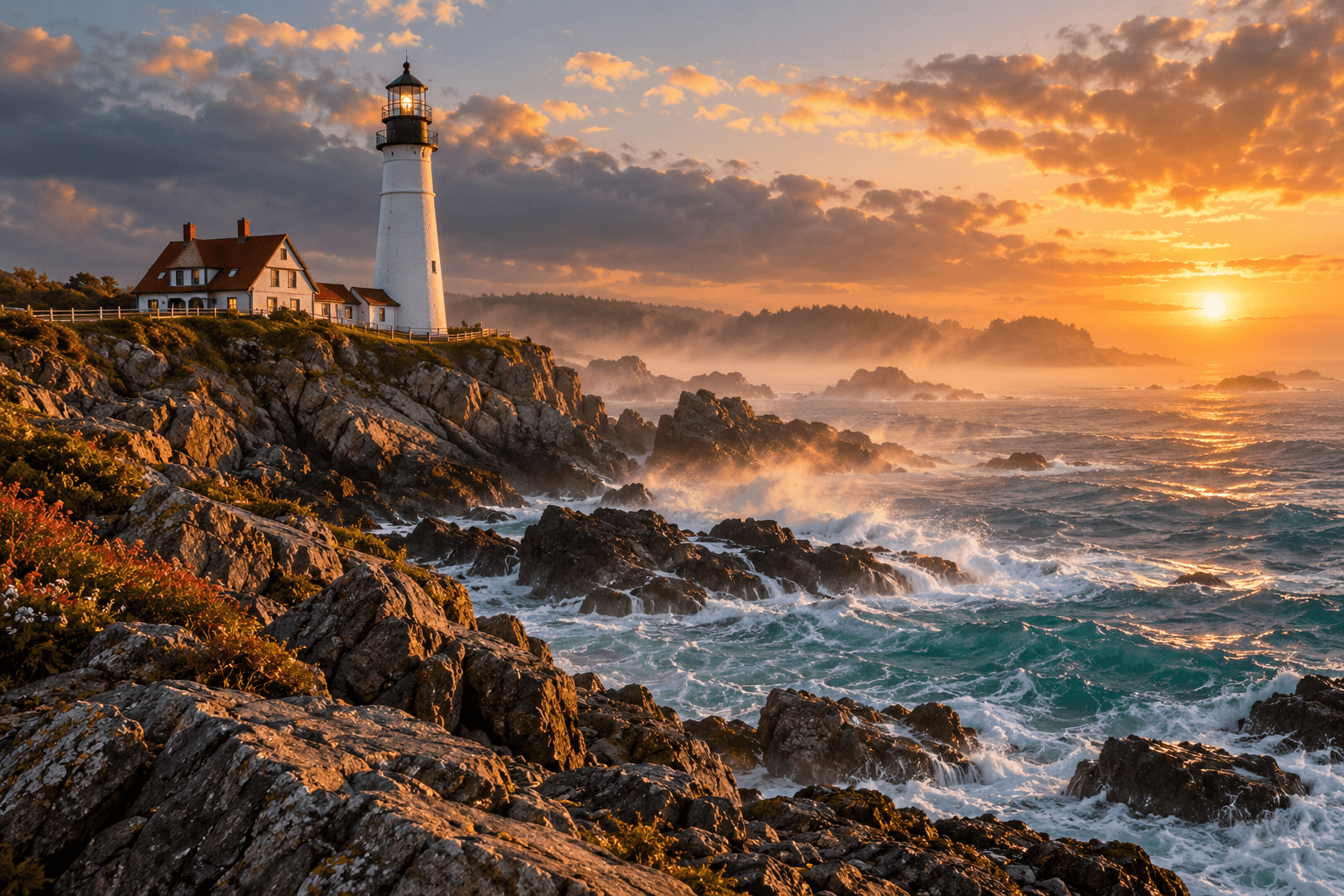
1. Name the subject and its setting
Write one plain sentence naming the main subject, what it is doing and where it belongs. “A lighthouse above a rocky coast” establishes a scene. “An amazing, beautiful, high-quality image” describes your approval of a picture without specifying what the picture contains.
Pick a focal point before adding secondary objects. If the lighthouse is the subject, treat the houses, rocks and sea as supporting elements. A long inventory of equally important objects makes it harder to decide whether a result follows your brief.
2. Add light, framing and a visual medium
Describe choices a photographer or illustrator could act on: soft window light, a low viewpoint, a wide landscape or a close-up. Name the medium if it matters, such as a natural photograph, a pencil drawing or a watercolor illustration.
Keep the directions compatible. A distant view and a close-up ask for different framing. If you want both, make two separate images. Likewise, decide whether a scene belongs in bright midday sun or warm evening light before adding more adjectives.
3. For an edit, describe what should stay
An editing prompt has two jobs: identify the change and preserve the context. “Change the chair upholstery from yellow to teal; keep the person, dog, room and camera angle” is a clearer brief than asking for a completely new room.
Preservation instructions express your intention, not a guarantee of pixel-perfect retention. Compare the result with the original, especially around faces, hands, edges and small objects. If exact lettering or a precise product detail matters, inspect it separately.
4. Change one important choice at a time
When the first result misses your idea, name the mismatch before rewriting the prompt. Is the subject too small, the background too busy or the light too harsh? Adjust the instruction for that issue and keep the rest of the brief stable.
Changing several directions at once makes comparisons less useful. Keep a copy of the prompt beside each saved result and note one thing to improve. Even a repeated prompt can produce variation, so evaluate the picture rather than assuming identical wording will reproduce it.
- Check the subject and composition first.
- Compare the lighting and visual medium with your brief.
- Inspect important details at full size.
- Write one specific revision before another attempt.
A reusable prompt structure
Use “subject + setting + light + composition + medium” as a starting structure, then remove any part that does not help describe your idea. There is no need to fill every slot. For reference-based tools, put the requested change and the details to preserve first. Tool availability and supported controls are shown in Picmira’s tool directory.